
De eerste documenten voor Site Recovery Manager zijn vrijgegeven. Je kunt ze hier vinden: http://www.vmware.com/support/pubs/srm_pubs.html
De eerste documenten voor Site Recovery Manager zijn vrijgegeven. Je kunt ze hier vinden: http://www.vmware.com/support/pubs/srm_pubs.html
JHMJONG heeft de nieuwe bin hack op het vmug forum geplaatst.
Standaard wordt er een logfile bijgehouden voor de Beta versie waardoor het systeem traag wordt (CPU). In de directorie c:\program files\vmware\vmware workstation staat het vmwareproces onder de naam vmware-vmx-debug.exe.
-Rename deze file
-Copieer vmwware-vmx.exe naar vmware-vmx-debug.exe.
Jan bedankt voor het uitzoeken!
Bron: http://vmug.nl

NetApp heeft een 42 pagina tellende whitepaper vrijgegeven over het gebruik van SRM in een NetApp omgeving.
Download het document hier: tr-3671.pdf
Bron: http://www.vm-aware.com/

In deze post laat ik zien hoe je een virtual appliance kunt aanmaken via de conversion wizard binnen Workstation 6.5 beta 2
Start de wizard op en selecteer de VM die je wilt omzetten. In “Step 2: Destination” kies je voor de optie Virtual Appliance (VA).

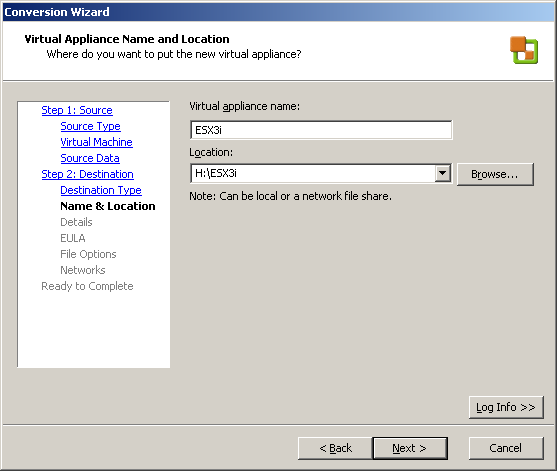
Geef een naam op en de plaats waar je de VA wilt plaatsen
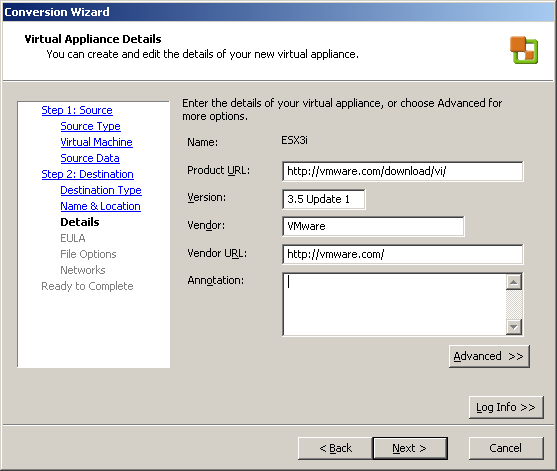
In het volgende scherm kun je wat extra informatie meegeven.
En als je dat wilt kun je een license file toevoegen. Ik heb als test even een txt file toegevoegd.

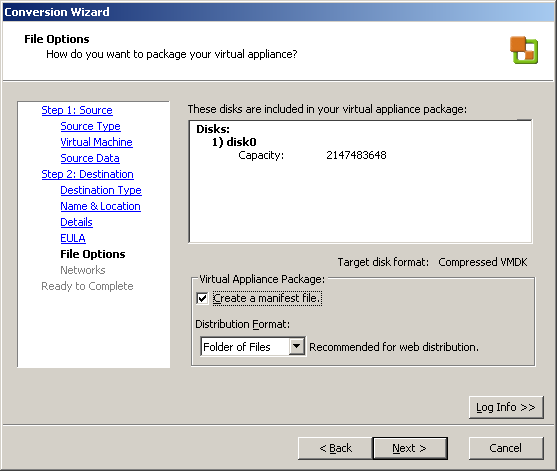
In het volgende scherm kun je nog een keuze maken wat betreft het Distribution Format.
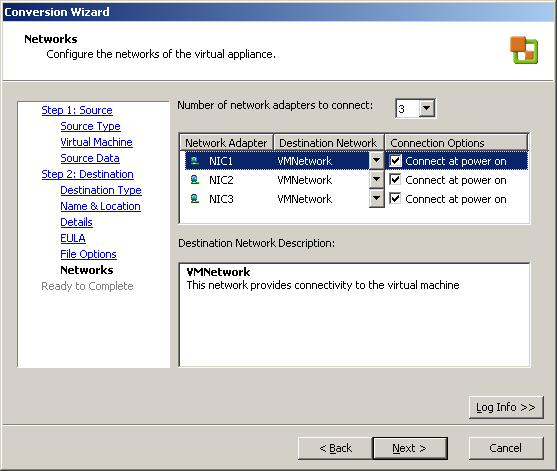
Als laatste kun je de VNics configureren.
En als laatste vind je een overzicht van alle settings.

in het onderstaande plaatje zie je het verschil in grootte. De VM heeft een VMDK van 2GB de VA heeft een VMDK van 200MB. Zo kun je de master “template” VM’s in een klein formaat wegschrijven.
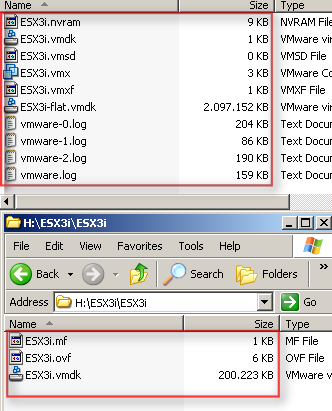
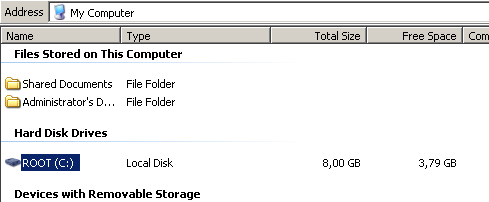
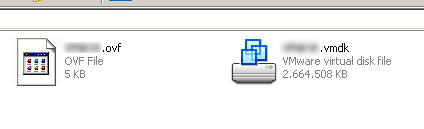
Als test heb ik ook nog een Windows XP VM omgezet naar OVF. Deze VM heeft een VMDK van 8GB.
Binnen Windows ziet het er als volgt uit:
Na de conversie ziet het er als volgt uit:
Er is echter een nadeel. Als de VM en de daarna gemaakt OVF’s is aangemaakt met WS 6.5. Kun je niet gebruiken in VI 3.5. Zie de onderstaande foutmelding:
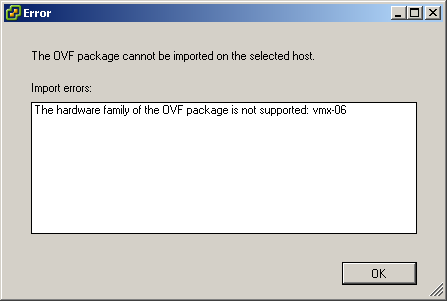
Dit kun je oplossen door de volgende post na te lopen. Het komt er op neer dat de hardware version te hoog is van de VM. Als je deze downgrade naar version 5 werkt het wel.
In de beta 2 van VMware Workstation 6.5 zit er een nieuwe import optie in de Converion Wizard. Het gaat hier om het importeren van een OVF vm. Voorheen moest je knoeien met een Java applicatie (zie deze post).

Kies voor de optie Virtual Appliance.

Daarna open je het OVF bestand van je harddisk of via een URL.

In het volgende scherm zie je wat details van de appliance.

Geef de VM een naam en de locatie waar deze moet komen te staan. Verder kun je in dit scherm de virtual Machine version opgeven.
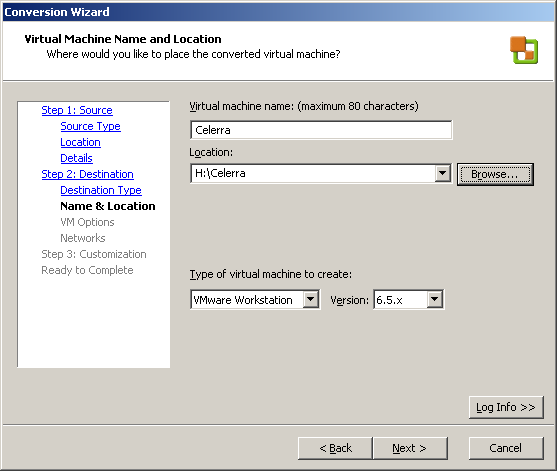
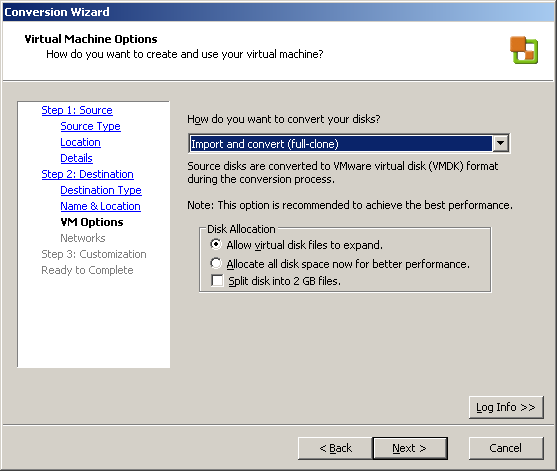
Maak een keuze voor de conversie
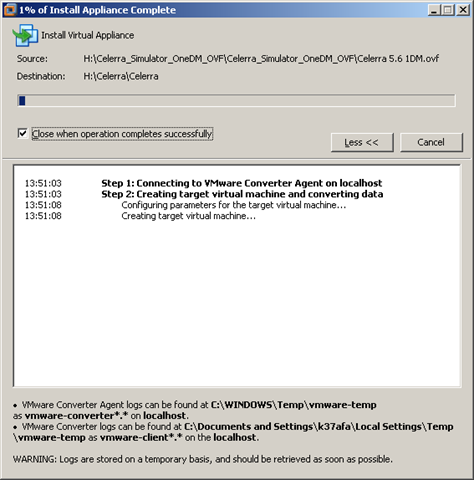
De opdracht wordt uitgevoerd.
Yes! Met beta 2 build 99530 van VMware Workstation 6.5. Is het nu weer mogelijk om een ESX3.5 (i) VM een gast VM te starten.
Een printscreen als bewijs 😀

VMware heeft het document met ID10003749 bijgewerkt. In dit document vind je een overzicht van de verschillende VMware producten. Als je op een product klikt krijg je een nieuwe document met daarin de stappen die je moet ondernemen om de juiste informatie voor VMware Support te verzamelen.
Klik op het plaatje om naar het document te gaan:

Eric Sloof heeft een document op zijn blog geplaatst over hoe je VC 2.5 kunt clusteren met MSCS. Dit document is geschreven door Chris Skinner een Technical trainer van VMware.
This paper documents the steps to successfully implement a high availability solution for VirtualCenter 2.5 using Microsoft’s cluster services. There are some basic requirements to start the process. Microsoft requires Active Directory for cluster services. Additionally, Windows 2003 Enterprise server or higher will be necessary. This document was compiled from several sources. It demonstrates creating a VC cluster on the same ESX host (cluster-in-a-box) with a SAN-based quorum disk. The hyperlinks at the end of the document has more detailed information for other types of configurations, such as, cluster-across-boxes and physical-to-virtual.
Chris and Eric, thanks for sharing
Bron: ntpro.nl
New Features in VMware Workstation 6.5:
Je kunt de Beta 2 hier downloaden: http://communities.vmware.com/community/beta/workstation6.5b
Anyway, so what better time is there to announce the publication of an in-depth deployment paper jointly authored by Cisco and VMware. We posted this paper about a week ago on the vmware.com/go/networking site. It’s around 90 pages, so no short read; but it delves into many of the considerations, architectures, etc in deploying VI with Cisco switches.
Download de pdf hier: http://www.vmware.com/files/pdf/vmi_cisco_network_environment.pdf
Bron: http://blogs.vmware.com/networking/2008/06/deploying-vi-wi.html
 ICT-Freak.nl