
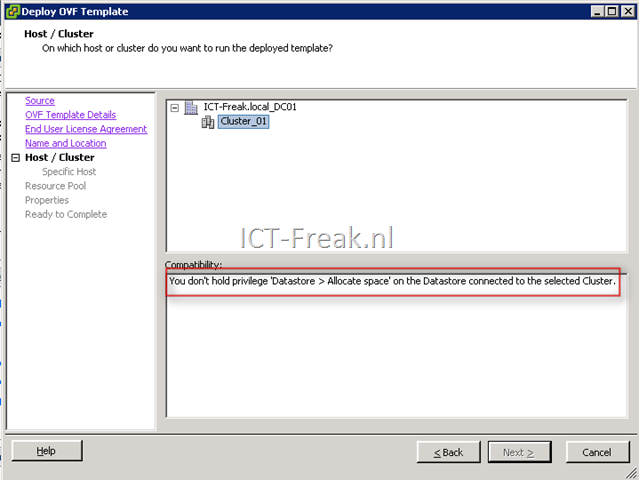
If you want to deploy an OVF template within vSphere, you might get the following warning/error:
You don’t hold privilege ‘ Datastore > Allocate space’ on the Datastore connected to the selected Cluster.
See the screenshot below:
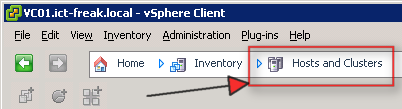
The solution is simple, click on Inventory followed by Host and Clusters:
Start the deploy OVF wizard again and the error/warning will not show up.

 ICT-Freak.nl