
Download eerst het Servicepack naar bijvoorbeeld je E:\ schijf.
Vervolgens extract je de Windows 2003 ISO naar je harddisk bijvoorbeeld E:\W2K3ISO.
Nu open je het command prompt (Start – Run – CDM {enter}) en voer je het volgende commando uit
E:\WindowsServer2003-KB914961-SP2-x86-ENU.exe /integrate:E:\W2K3ISO\
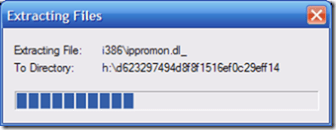
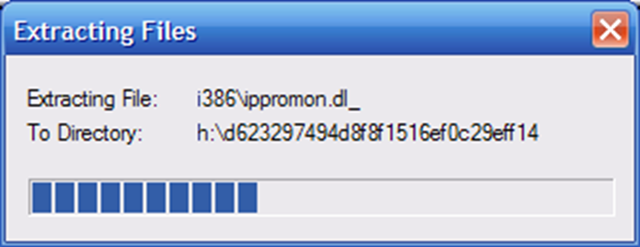
Het onderstaande scherm laat zien dat alles uitgepakt wordt. Even later als dit klaar is komt er een ander scherm die alles samenvoegd.
Nadat het slipstream proces klaar is wil je er natuurlijk weer een bootable cd van maken. Dit kun je als volgt doen
Download het bestand Microsoft Corporation.img. Dit heb je nodig om de bootsector te kunnen defineren.
Vervolgens kun je de boel branden in Nero
- Choose CD-ROM (Boot) from the New Compilation’s Boot page.
- Under Source of boot image data choose “Image file” and Browse to the Microsoft Corporation.img.
- Select Enable expert settings (for advanced users only) and set the following: Kind of emulation – No Emulation
Number of loaded sectors – 4
Load segment of sectors – 07C0
- Click NEW.
- File Browser area, navigate to c:\xp. Select all of the files inside of that directory and copy them over to the left side for burning.
- Click BURN and you’re done once the CD is complete.
Bron: http://neosmart.net/blog/











 ICT-Freak.nl