
A couple of days ago, I was testing with Veeam backup and a new created VM. The backup stops with the following error:
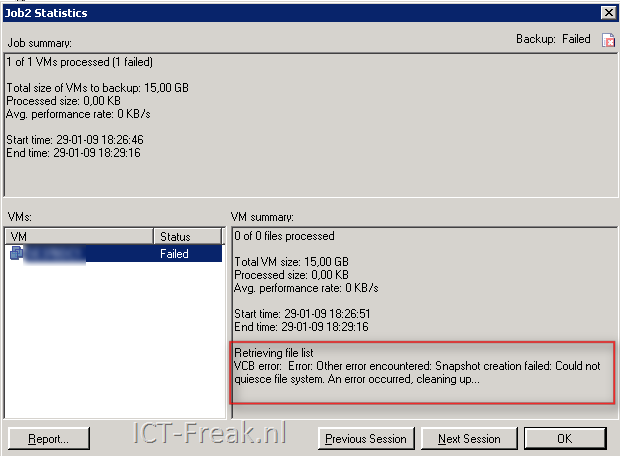
In the Veeam Backup release notes (veeam_backup_2.0.1_release_notes.pdf) and the known errors section, you’ll find the following text:
If you attempt to backup a VM with VMware Tools VSS support module installed with Veeam Backup job having VSS option enabled, the backup would fail with the following error: VCB error: Error: Other error encountered: Snapshot creation failed: Could not quiesce file system. An error occurred, cleaning up…. To resolve this, disable VMware Tools quiescence in the backup job properties, or uninstall VSS support module.
So I checked de VM and uninstalled the VSS option.
Go to Control Panel –> Add/Remove Programs –> VMware Tools. The VMware Tools Setup starts and in this screen press modify.

Disable the VSS Support feature in the VMware Tools.

Finish the setup wizard and reboot the VM.
After a reboot, the following error might popup:
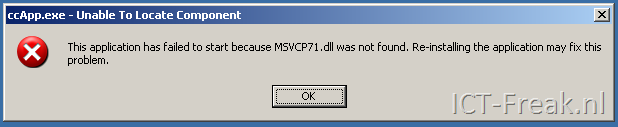
The fix was a little bit funny. When I pressed the right mouse button on My Computer or any other directory, the Symantec Antivirus installer starts with a repair job.
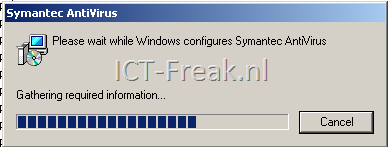
After the repair job is done and the VM is back online after a reboot, the VM acts normal again :-S



 ICT-Freak.nl